

Blogs

As Seen on CBS: Why Miofive Just Made Waves on LA’s "Tech Talk"
We have some incredibly exciting news to share with our Miofive community! Check out our live feature on CBS Los Angeles "Tech Talk" with Jessica Naziri: Recently, Miofive was featured live on CBS Los Angeles'biweekly Tech Talk segment,...

Miofive S1 Crowned "Winner" at Auto Express Product Awards 2026
We are incredibly honored to share some monumental news with our community. Auto Express, the UK's leading automotive authority, has officially named the Miofive S1 a Winner in the prestigious 2026 Product Awards. In a field of fierce competition, the...

How to Install and Use the OBD II Power Cable for Your Miofive Dash Cam
An OBD (On-Board Diagnostics) power cable is a plug and play solution that draws power directly from your vehicle's OBD port. It's the easiest way to enable 24 hour parking monitoring without the need for complex hardwiring to the fuse...
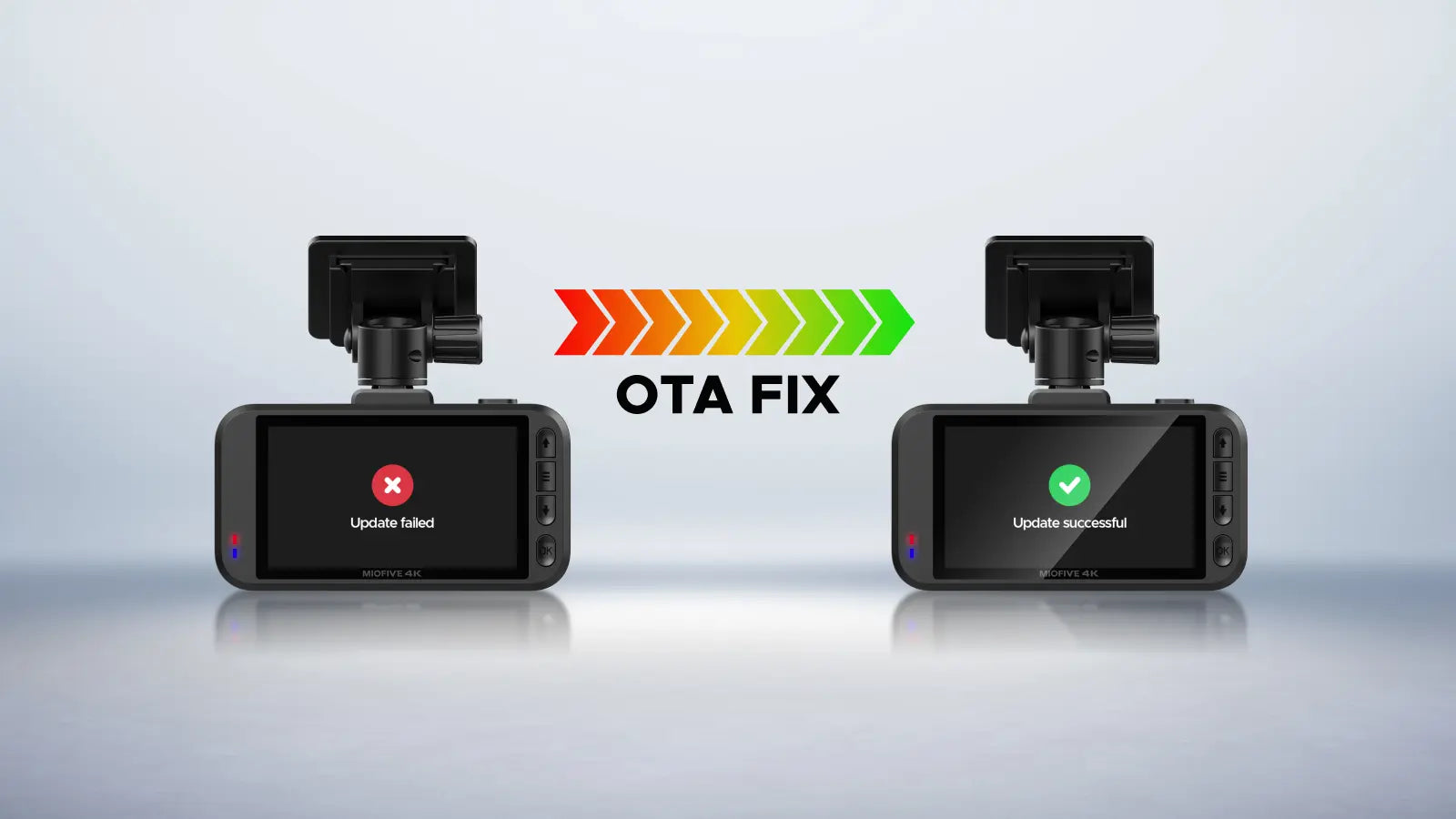
How to Fix OTA Firmware Update Failure
Stuck on a firmware update? Here is a quick guide to restore your dash cam in 1 minutes! Step 1: Format the memory card on your computer. Step 2: Reinsert the card and try the offline update again. Please ensure...

Christmas Gifts That Truly Protect: Dash Cams for Your Loved Ones
Finding a Christmas gift that is both meaningful and genuinely useful can be surprisingly challenging. You might spend nights searching for something that shows your heartfelt care,only to worry that it could go unused, set aside, or even exchanged. Whether...

Keep Your Dash Cam Safe: Why Using the Right Charger Matters
A dash cam shutting down during installation or while driving can be frustrating. In many cases, the issue is caused by insufficient power from the car charger. To help you quickly identify and solve the problem, we tested several power...

How to Delete Videos from Your MIOFIVE Dash Cam
MIOFIVE dash cam uses loop recording to automatically overwrite older videos when the memory card is full 1. Press the "↑" button on the device to enter the Playback menu. 2. Select and open the video you want to delete. 3....

How to Install the Miofive Hardwire Kit
Installing a dash cam hardwire kit can seem complicated, as it involves connecting your dash cam directly to the vehicle's fuse box for constant power and parking mode functionality.Since it requires some professional tools and technical knowledge, we recommend having...

How to Watch Recorded Videos from Your Miofive Dash Cam
Your Miofive Dash Cam records every drive to keep you safe and confident on the road, but do you know all the ways you can watch your recordings? Whether you want to quickly check a clip on the device, review...