

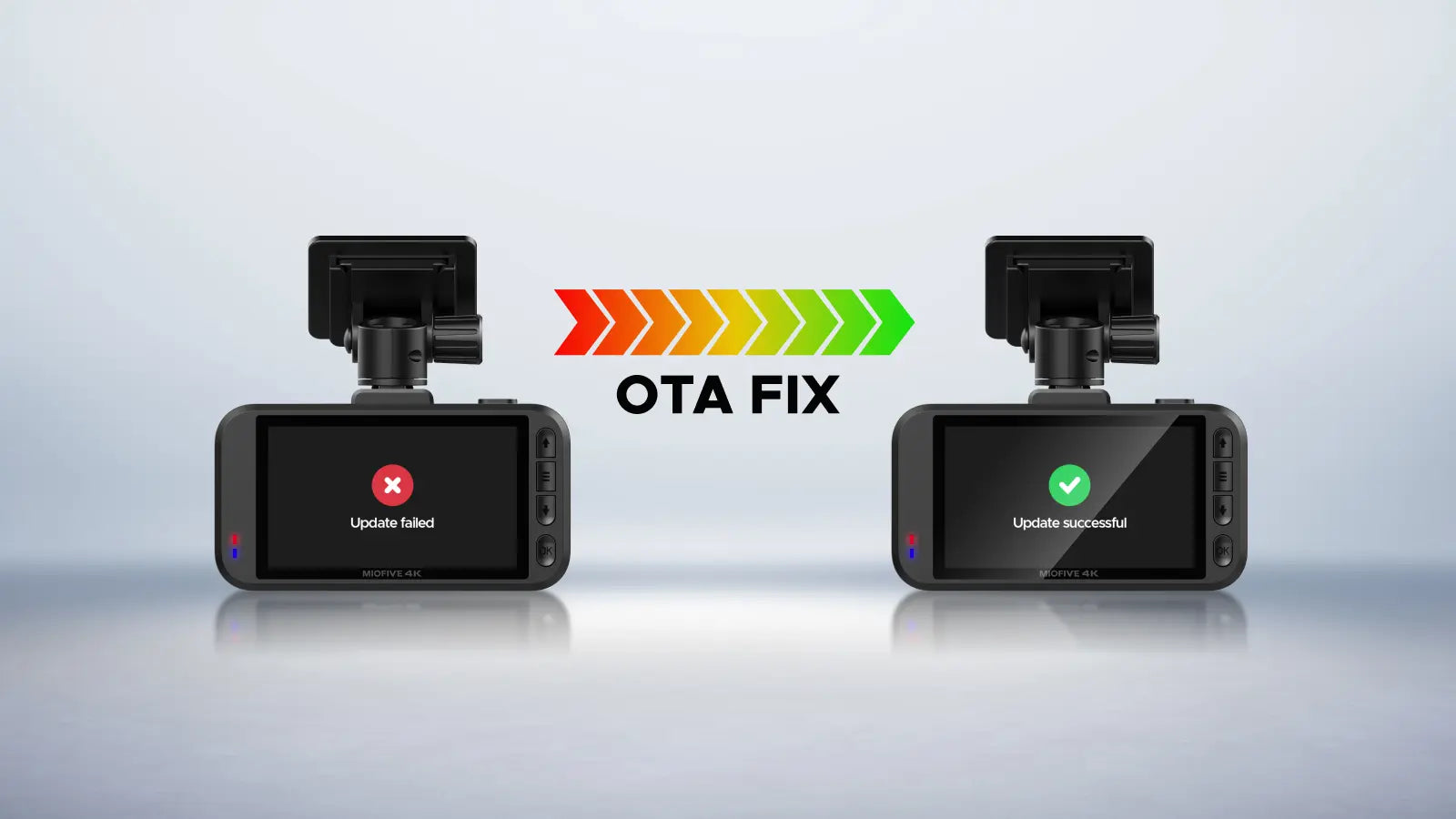
Stuck on a firmware update? Here is a quick guide to restore your dash cam in 1 minutes!

Step 1: Format the memory card on your computer.

Step 2: Reinsert the card and try the offline update again.

Please ensure that no VPN, Wi-Fi calling or antivirus software is enabled on your phone. VPN, Wi- Fi calling and antivirus software must be turned off before connecting. It will interfire the update process.

We have also created a detailed step-by-step tutorial video:How to Fix OTA Firmware Update Failure
Related operation video links:
Online update:How to Perform a Firmware Over The Air (OTA) Upgrade in the Miofive App?
Offline update:How to Perform an Offline Firmware Upgrade on Your Miofive Dash Cam?
Pro Tips:
Our YouTube channel is updated regularly with troubleshooting guides and "how-to" videos that can solve most of the issues you might encounter. Feel free to subscribe to stay protected!
If you run into any other problems that aren't covered in our videos, please don't hesitate to contact us. We are more than happy to answer any questions you may have!

Share:
Christmas Gifts That Truly Protect: Dash Cams for Your Loved Ones
How to Install and Use the OBD II Power Cable for Your Miofive Dash Cam